
What Happens When Someone Taps to Give at Church for the First Time?
When a first-time visitor taps their phone to a church giving plate, their device instantly opens the congregation's existing online giving page in a web browser. This action requires no app download, no account creation, and no manual URL typing. The donor then selects an amount and completes the transaction using Apple Pay, Google Pay, or a credit card. This seamless flow, facilitated by Tap.Giving, reduces the time from intention to completed donation to roughly eight seconds. according to What to Expect
The Physical Interaction and Device Detection
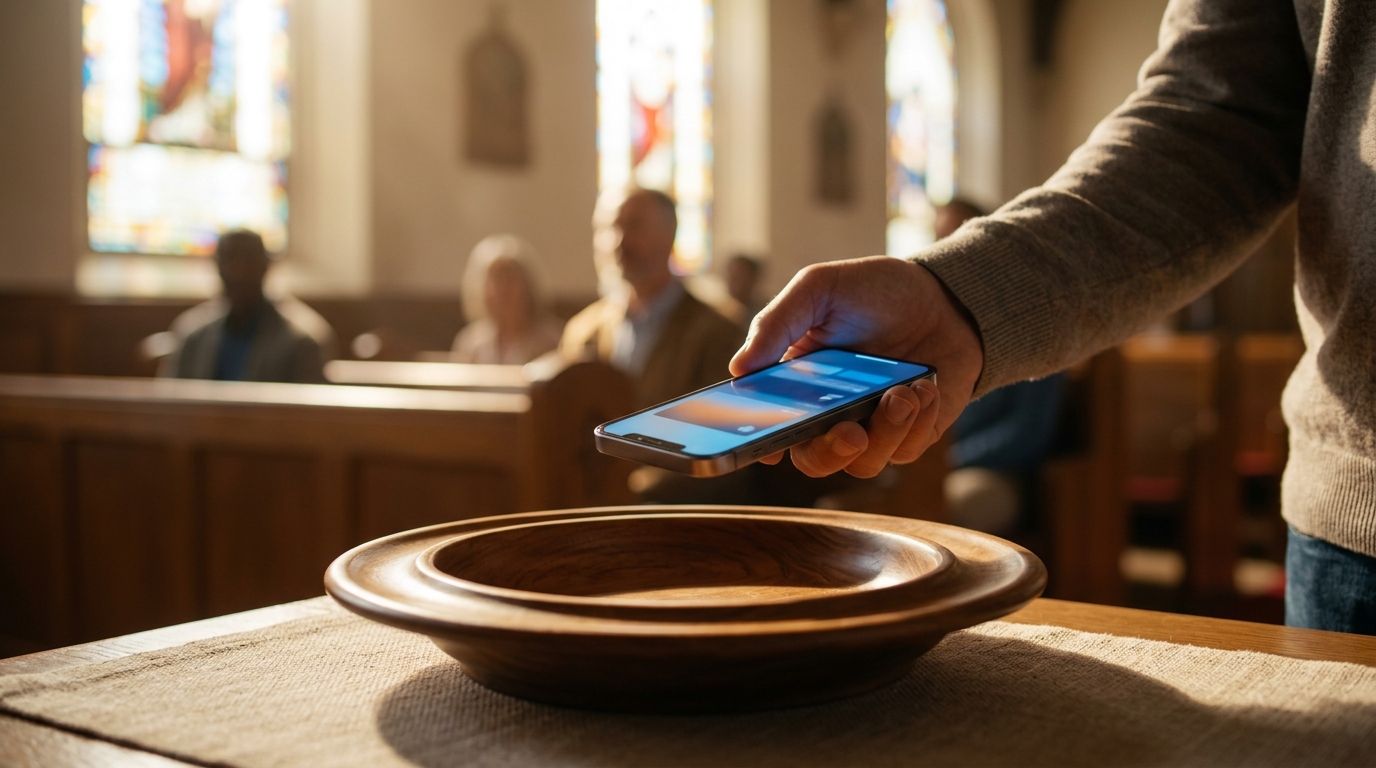
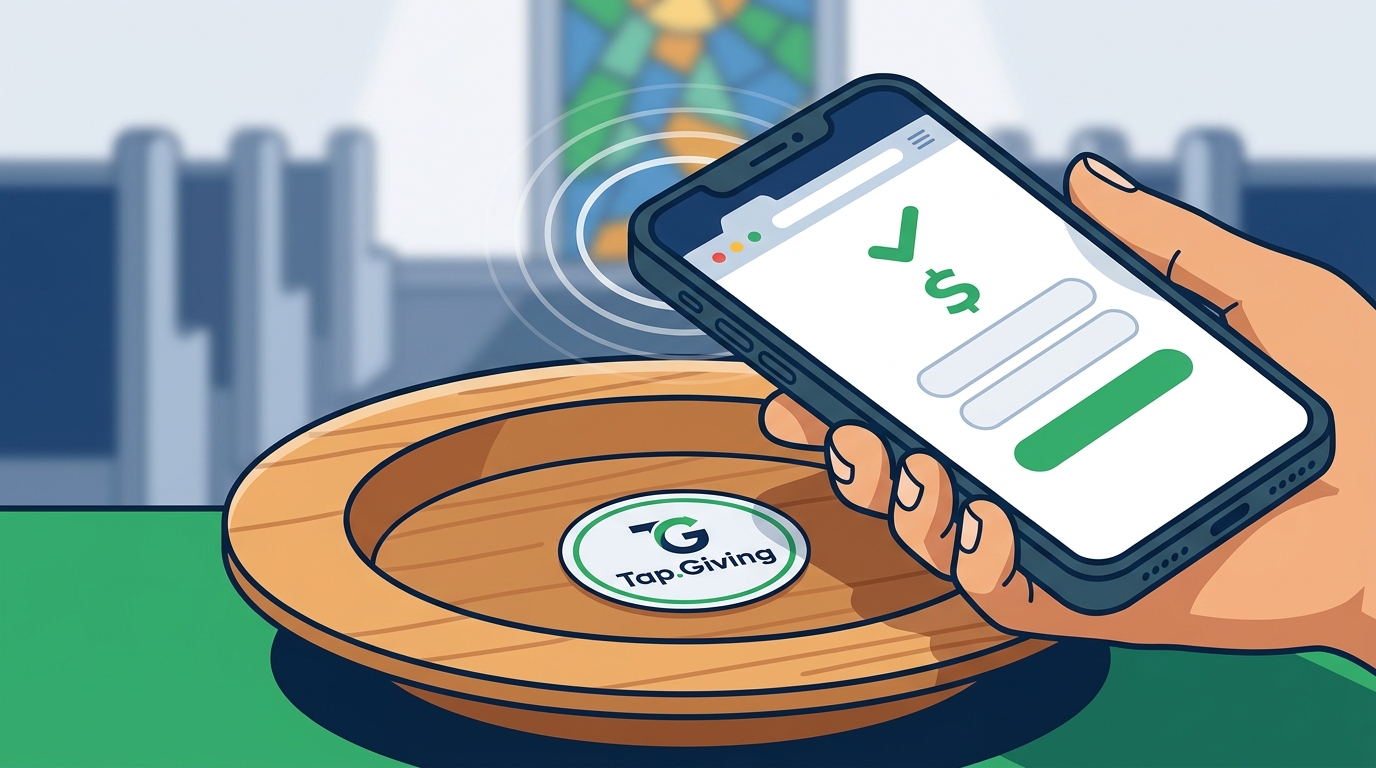
The process begins with a simple physical gesture. The donor holds their smartphone near a small, custom-branded NFC plate mounted on a pew back or chair. Near Field Communication (NFC) is a short-range wireless technology that allows devices to exchange data when they are within a few centimeters of each other. On an iPhone, the top edge of the device reads the signal, while on most Android phones, the back of the device handles the detection. The phone does not need to be unlocked or on a specific screen for the signal to be detected.
Once the phone detects the NFC chip, a small banner appears on the screen. This banner displays the church's giving page URL and prompts the user to tap to open it. This visual cue is critical for first-time users because it confirms that the technology is working and guides them to the next step. The hardware itself is passive, meaning it has no battery and is powered entirely by the phone's signal, ensuring it never needs charging or maintenance.
Opening the Giving Page in the Browser
When the donor taps the banner, their default web browser opens the church's giving page. This is a standard web page, not a proprietary app interface. The page loads exactly as it would if the donor had typed the URL into their browser at home. For churches using platforms like Tithely, Pushpay, or Givelify, the page displays the familiar donation interface with preset amounts and fund options. This consistency is vital for user confidence, as the donor recognizes the secure, professional layout of the platform they may have seen on the church's website.
The speed of this transition is a major advantage over other methods. Unlike QR codes, which require the user to open a camera app, align the lens, and wait for the image to process, the NFC tap is instantaneous. There is no fumbling with a camera in a dimly lit sanctuary. The browser opens the page in a single step, keeping the donor's attention focused on the act of giving rather than the mechanics of the technology.
Completing the Transaction with Digital Wallets
After the giving page loads, the donor chooses an amount. Most modern giving platforms support digital wallets, which significantly speeds up the final step. A digital wallet is a mobile payment service that stores encrypted payment credentials on a smartphone, allowing users to authorize transactions with a biometric scan or passcode. If the platform supports Apple Pay or Google Pay, a button appears at the bottom of the screen. The donor double-clicks the side button on their iPhone or uses their fingerprint on an Android device to confirm the payment.
This biometric confirmation is the final barrier to entry. It is a gesture that consumers perform daily at coffee shops and retail stores, making it highly intuitive for church visitors. The transaction is processed securely through the church's existing payment processor. The donor receives an instant confirmation on their phone, and a receipt is sent to their email address. The entire sequence, from tapping the plate to receiving the confirmation, typically takes less than ten seconds. according to Confirmation in the
Why First-Time Visitors Need This Frictionless Path
First-time visitors are the most critical audience for this technology. They do not have the church's app installed, they do not know the text-to-give number, and they are unlikely to search for the giving page on their phone during a service. Traditional methods like passing a basket or displaying a QR code on a screen often fail with guests because the friction is too high. A guest is unlikely to download an app for a single visit, and scanning a QR code in a dark room is a common point of failure. according to What to Expect
The NFC plate removes these barriers by meeting the donor where they are. It is a physical object in their immediate environment that requires a familiar, low-effort action. By reducing the cognitive load, the plate converts a moment of inspiration into a completed gift. This is particularly effective during high-attendance services like Easter or Christmas, where the number of first-time visitors peaks. The technology ensures that the church's digital giving infrastructure is accessible to everyone in the room, not just regular members.
Key Takeaways
- The tap action opens the church's existing giving page in a web browser, not a new app.
- No app download, account creation, or manual URL typing is required.
- The process works on iPhones and Android phones without any special setup.
- Digital wallets like Apple Pay allow for biometric confirmation in seconds.
- The total time from tap to completed donation is approximately eight seconds.
- This method is especially effective for first-time visitors who lack prior knowledge of the church's giving channels. according to Confirmation in the
Frequently Asked Questions
Do I need to download an app to tap to give?
No. The NFC plate opens the church's giving page in your standard web browser. You do not need to download any specific church app or payment app to complete the transaction.
Does my phone need to be unlocked?
No. The NFC signal is detected by the phone's hardware regardless of whether the screen is locked or unlocked. You simply hold the phone near the plate.
What if my phone does not have NFC?
Most smartphones made in the last several years have NFC. If your phone does not, the plate typically includes a QR code as a backup option, which you can scan with your camera to reach the same giving page.
Is the transaction secure?
Can I give to a specific fund?
Yes. Once the giving page opens, you can select any fund or project listed by the church, just as you would when giving online from home.